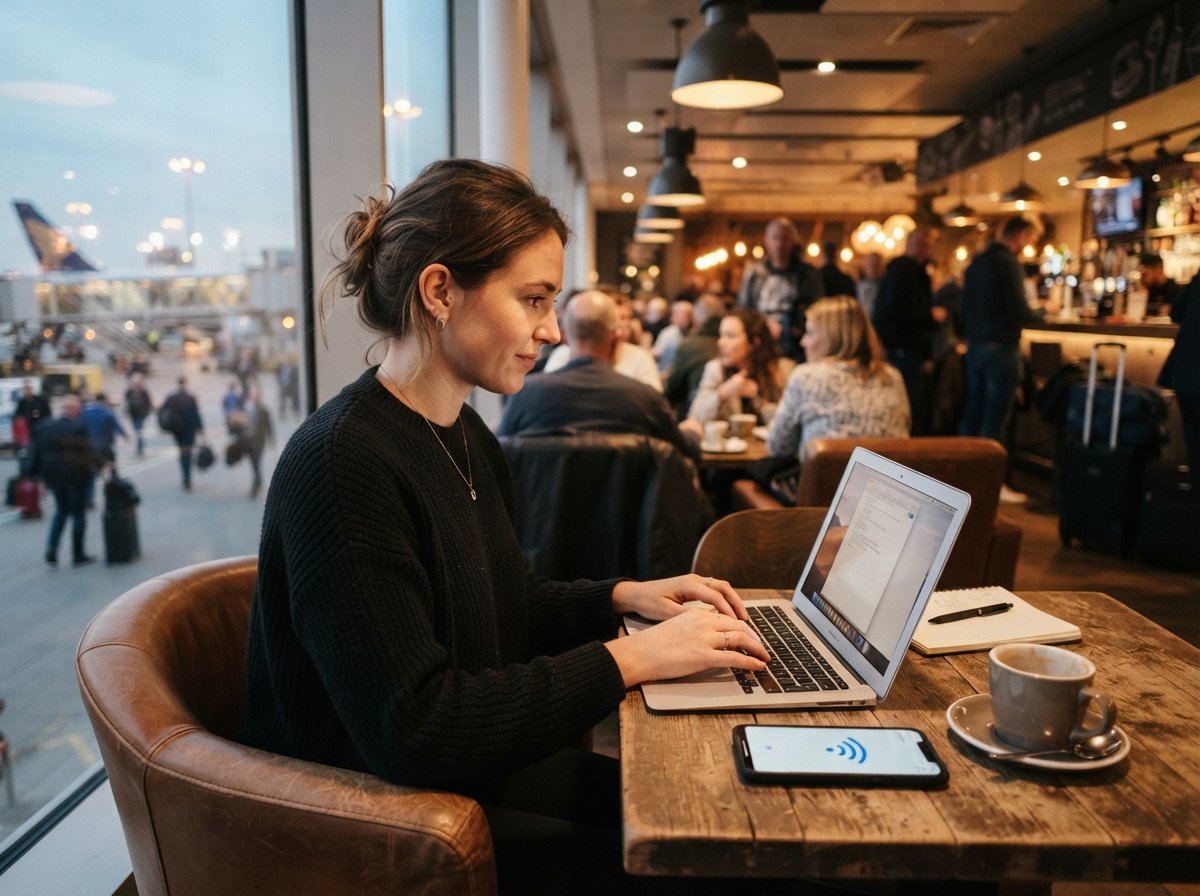
Connecting to airport or café WiFi feels normal. Public wifi dangers are more serious than most people think, and the danger isn't always clear right away. The network might seem real, and the connection might work perfectly. There is nothing about the experience that shows someone else on the same network could be watching what you send and receive.
The main issue with networks is trust. When you connect to WiFi at home, you usually know who controls the router. On a network you are using the same equipment as strangers, and in many cases you have no way to be sure the network belongs to the business that it says it belongs to.
The main danger with WiFi is that you often can't be sure who actually runs the network you just joined.
How Attackers Use Public Networks

One of the common ways is the man-in-the-middle attack. An attacker puts themselves between your device and the WiFi router. They can take data as it goes through. On a connection that isn't encrypted, this can show login details, messages, or files being sent, all without any sign that something's wrong on your screen.
Another method is the fake hotspot, which is sometimes called an evil twin. An attacker creates a network with a name that looks real, like "Airport_Free_WiFi" or the name of the café you're in. Your phone can't tell the difference between that network and the real one, so it might connect automatically if the name matches something it has joined before.
Session hijacking is not often talked about. It can be just as bad. Even if a site uses encryption, an attacker on the network can sometimes take the session cookie your browser uses to stay signed in, and then use it to get into your account without ever needing your password.
Why HTTPS Doesn't Fix Everything

Many people believe that if a website shows the padlock icon, they are safe. HTTPS does make sure the data between your device and that site is encrypted, which is a real improvement over older unencrypted connections. It doesn't hide the sites you are visiting, and it doesn't protect apps or services that haven't used encryption properly, which still happens more often than people expect.
It also doesn't stop an attacker from sending your traffic to a fake version of a real site through DNS spoofing. That is when your device is tricked into loading a fake page instead of the real one, even though the address bar looks normal at first glance.
The Auto-Connect Problem

Most phones are set to join networks they have connected to before. That is useful. It also means your device is always sending out the names of networks it remembers, and it can be tricked into joining a bad network with a similar name without asking you first. Turning off auto-join for networks and forgetting networks you no longer use takes away one of the easiest ways attackers get in.
Real Protection for People Who Use WiFi Often

Avoiding public WiFi isn't possible for many people, especially remote workers, students, or anyone who travels a lot. A better idea is to use a few habits together instead of relying on one solution.
A good VPN encrypts your data before it leaves your device, which stops man-in-the-middle attacks even on a bad network. Sticking to sites and apps that use HTTPS makes things better, and using two-factor authentication means a stolen password alone usually isn't enough to take over your accounts.
It also helps to think about what you're doing differently when using public WiFi. Reading news or checking the weather is not risky. Logging into a bank account or putting in payment details on WiFi is a different situation, and it is better to wait until you are on a safe network, or use mobile data instead, for anything important.
Public networks are not going to disappear. For many people they are a daily need rather than a rare convenience. Understanding WiFi risks doesn't mean avoiding coffee shops or airports entirely; it means being careful about what you do while connected, and making a few good habits that work even when the network itself can't be trusted.
Frequently Asked Questions
Is it safe to read email on WiFi?
Reading email is usually low risk if your email provider uses encryption, which most big services do. The bigger worry is using the connection for anything with passwords or payment details without extra help like a VPN.
Does a VPN keep me completely safe on public WiFi?
A VPN makes your traffic safe, which stops attempts to take data from the network itself. It doesn't protect you from phishing links or bad software you download. It is a way to stay safe, but not the only way.
Can someone watch what I do on WiFi without a VPN?
On a connection that isn't encrypted, yes, someone on the same network can see what you are doing. On HTTPS sites, they might still see which sites you go to, just not the details of what you send and receive.
Are password-protected networks safer than open ones?
A password makes things a little better. It doesn't make sure who else is on the network or prove the network is real. It helps a little with spying, but doesn't fix the main risks of shared equipment.
Should I not use apps on WiFi?
Not always. It is good to check if an app sends sensitive data securely. Apps that deal with banking, health, or payments need more care than something like a weather or news app.