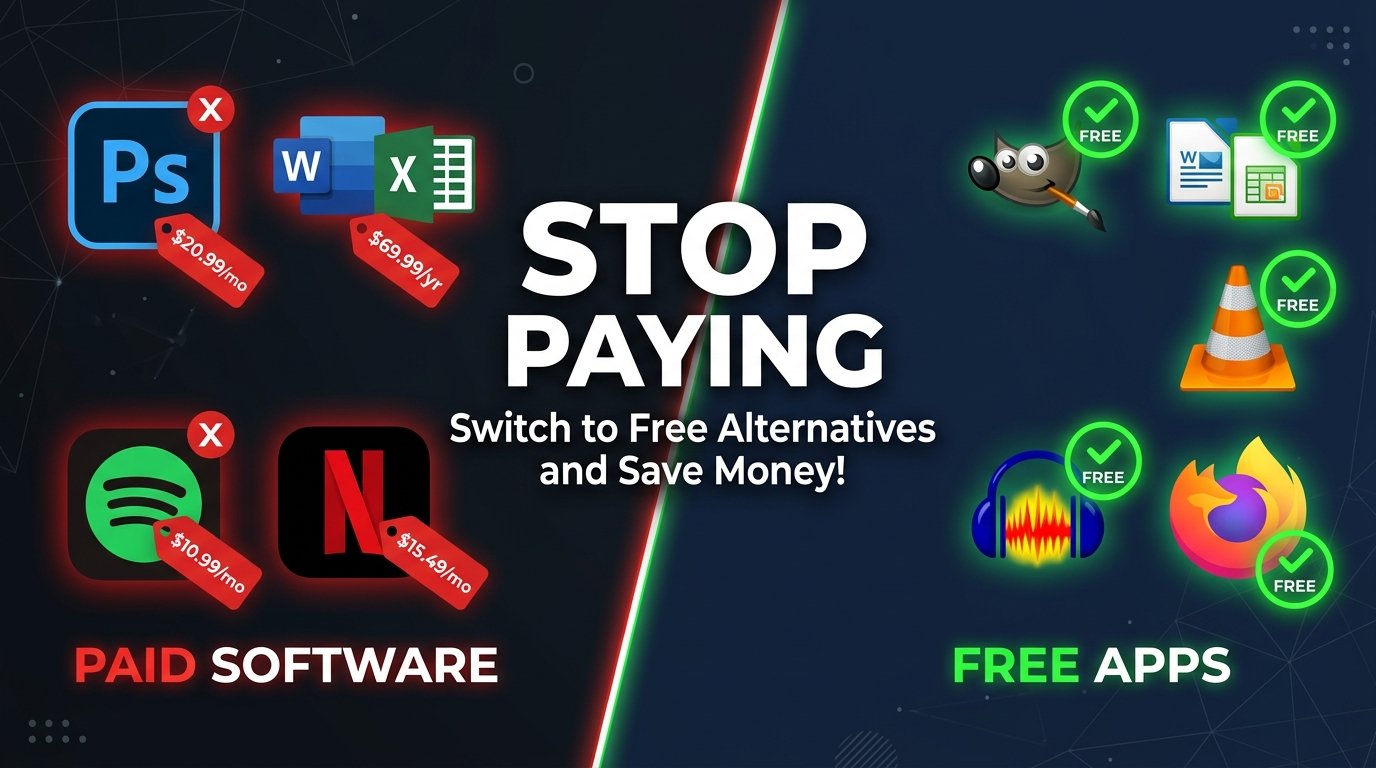
You are probably paying for software you do not need to. The average person spends over $1,200 a year on software subscriptions, yet most of the tasks they perform can be handled by free apps that are just as powerful.
The subscription trap is real. Adobe, Microsoft, and dozens of other software giants have quietly shifted from one-time purchases to monthly billing. You no longer own your tools. You rent them. And the rent keeps going up.
Here are the best free apps for PC and mobile that replace expensive software without sacrificing a single feature you actually use.
Free Office Suite: LibreOffice
Microsoft 365 costs up to $100 per year. LibreOffice does everything Word, Excel, and PowerPoint do, completely free.
It opens and saves Microsoft file formats without issue. For students, freelancers, and small business owners, LibreOffice is the single most impactful switch you can make today.
Free Photo Editing: GIMP
Photoshop runs at roughly $240 a year. GIMP matches it feature for feature, including layers, masks, filters, and cloning tools.
The learning curve is real, but thousands of free community tutorials flatten it quickly. Once you master GIMP, Photoshop starts to feel like an overpriced habit.
Free Vector Design: Inkscape
Adobe Illustrator costs around $55 per month. Inkscape handles logos, illustrations, and vector artwork with precision that rivals it at zero cost.
Graphic designers use it for professional client work every day. It exports industry-standard SVG and PDF files without a subscription gate in sight.
Free Digital Painting: Krita
If you are a digital artist or illustrator, Krita is the free answer to both Photoshop and Illustrator combined. It was built by artists, for artists, and it shows.
Krita includes brushes, animation tools, and a customizable workspace that professional painters genuinely prefer over paid alternatives.
Free Video Editing: Kdenlive and DaVinci Resolve
Adobe Premiere Pro charges $55 a month. Kdenlive is open-source, cross-platform, and handles multi-track timelines, effects, and transitions without blinking.
For more advanced color grading and cinematic editing, DaVinci Resolve's free version is used in Hollywood productions. Both are available on PC and require no credit card.
Free Screen Recording and Streaming: OBS Studio
OBS Studio is the industry standard for live streaming and screen recording. It replaces tools like Streamyard, Loom Pro, and Camtasia, which charge between $15 and $25 per month.
OBS is what professional streamers and content creators use, and it has always been free. There is no catch, no watermark, and no upgrade wall.
Free Password Manager: Bitwarden
LastPass and 1Password charge up to $36 a year. Bitwarden is fully open-source and stores unlimited passwords across unlimited devices for free.
It has passed independent security audits, uses end-to-end encryption, and works on every major platform. There is no credible reason to pay for a password manager when Bitwarden exists.
Free Media Player: VLC
VLC plays every video and audio format ever created. It needs no codecs, no plugins, and no subscriptions. It works on Windows, Mac, Linux, Android, and iOS.
Most paid media players offer nothing VLC does not already do better.
Free Photo Management and RAW Editing: darktable
Adobe Lightroom charges $10 per month just for photo organization and RAW editing. Darktable is a professional-grade open-source alternative that handles RAW files, non-destructive editing, and a full library workflow.
Photographers switching from Lightroom consistently report that darktable handles their entire workflow without compromise.
Free Note-Taking: Obsidian and Notion Free Tier
Evernote Premium costs $130 a year and has been declining in quality for years. Obsidian is a free, offline-first note-taking app built around a powerful linking system that helps you think in connections, not just lists.
Notion's free tier also handles project management, wikis, and databases that teams pay thousands for annually.
Free Video Conversion: HandBrake
HandBrake converts any video file to any format, completely free. It replaces paid converters that charge for features HandBrake has offered since 2003.
For anyone who regularly handles video files, HandBrake is the only tool you will ever need.
Free Cloud Storage: Google Drive and MEGA
Google Drive gives you 15GB free. MEGA gives you 20GB with stronger privacy encryption. Both work across PC and mobile and replace paid plans from Dropbox and Box for the majority of everyday users.
Free Antivirus: Windows Defender and Malwarebytes Free
Paid antivirus software largely sells fear. Windows Defender, built into Windows 10 and 11, consistently scores at the top of independent lab tests. Malwarebytes Free adds an extra layer for on-demand scanning at no cost.
You do not need to pay for antivirus in 2026. The free tools already protect you.
Stop Paying for Software You Do Not Own
The software industry wants you to believe that professional-grade work requires expensive tools. It does not. The best free apps for PC and mobile today are built by communities of developers who care more about quality than quarterly earnings.
Every app on this list is production-ready, actively maintained, and trusted by millions of professionals worldwide. Make the switch, cancel the subscriptions, and keep the money.
Frequently Asked Questions
Are free apps safe to download and use?
Yes, when downloaded from official sources. All apps listed here are open-source or from verified developers with active security records. Always download from the official website.
Can free apps really replace paid professional software?
For the vast majority of users, yes. Tools like GIMP, LibreOffice, and DaVinci Resolve are used by professionals in real workflows. The gap between free and paid has nearly closed.
Do free apps work on both PC and mobile?
Most do. Apps like VLC, Bitwarden, and Google Drive have full-featured versions on Windows, Mac, Android, and iOS. Always check the platform availability on the official site.
Will I lose my files if I switch from Microsoft Office to LibreOffice?
No. LibreOffice reads and writes .docx, .xlsx, and .pptx formats natively. Your existing files open without conversion loss in almost every case.
Is open-source software updated regularly?
Yes. Projects like GIMP, Kdenlive, and Inkscape receive consistent updates driven by large developer communities. Many update more frequently than their paid counterparts.